Adventure
Choose a level, clear space on the board, and work toward the target score.
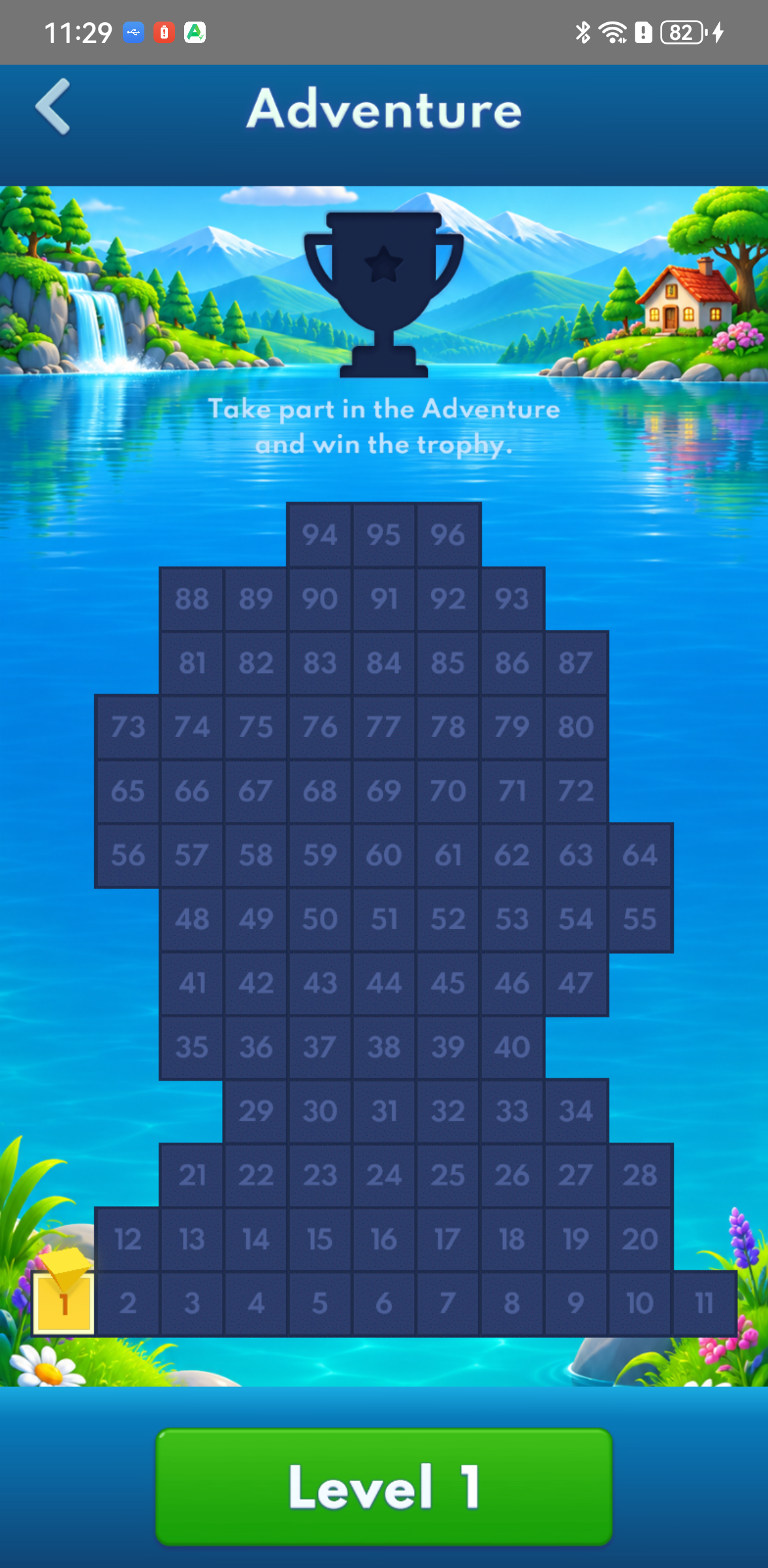
Place blocks, clear rows and columns, and take on your next puzzle wherever you are.
Explore game modes
Choose a level, clear space on the board, and work toward the target score.
Keep the board open for the next pieces and try to beat your personal best.
Board design shared by both modes
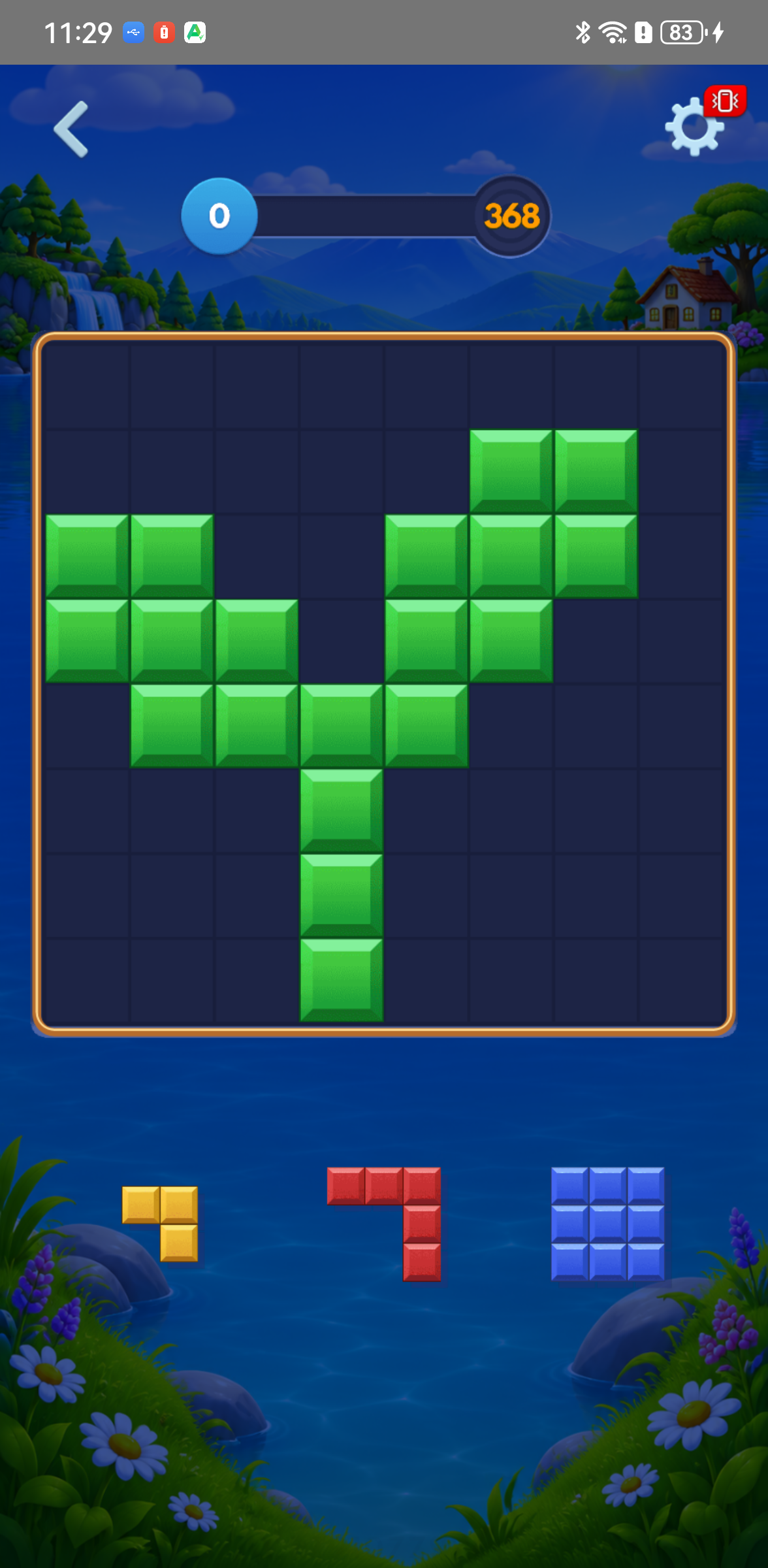
Drag a block shape into any open space it fits.
Fill a row or column to clear it and make room.
Keep a mix of open spaces so larger shapes still fit.
The Android edition supports core gameplay without a network connection.
Progress and settings are saved on your device. Clearing the app’s storage or uninstalling it can remove them.
The offline edition does not require an account or sign-in.